


Page 150 - HTML5
P. 150
default value of this attribute is one (1). A value of zero (0) means that the cell will extend
        from the current row until the last row of the table (<thead>, <tbody>, or <tfoot>).

        colspan = A non-negative integer that specifies the number of columns spanned by the current
        cell. The default value of this attribute is one (1). A value of zero (0) means that the cell
        will extend from the current to the last column of the column group <colgroup> in which the cell
        is defined.


        Table with thead, tbody, tfoot, and caption

        HTML also provides the tables with the <thead>, <tbody>, <tfoot>, and <caption> elements. These
        additional elements are useful for adding semantic value to your tables and for providing a
        place for separate CSS styling.

        When printing out a table that doesn't fit onto one (paper) page, most browsers repeat the
        contents of <thead> on every page.

        There's a specific order that must be adhered to, and we should be aware that not every element
        falls into place as one would expect. The following example demonstrates how our 4 elements
        should be placed.

         <table>
          <caption>Table Title</caption> <!--| caption is the first child of table |-->
           <thead> <!--======================| thead is after caption |-->
             <tr>
               <th>Header content 1</th>
               <th>Header content 2</th>
             </tr>
           </thead>

           <tbody> <!--======================| tbody is after thead |-->
             <tr>
               <td>Body content 1</td>
               <td>Body content 2</td>
             </tr>
           </tbody>

           <tfoot><!--| tfoot can be placed before or after tbody, but not in a group of tbody. |-->
         <!--| Regardless where tfoot is in markup, it's rendered at the bottom. |-->

             <tr>
               <td>Footer content 1</td>
               <td>Footer content 2</td>
             </tr>
           </tfoot>

         </table>

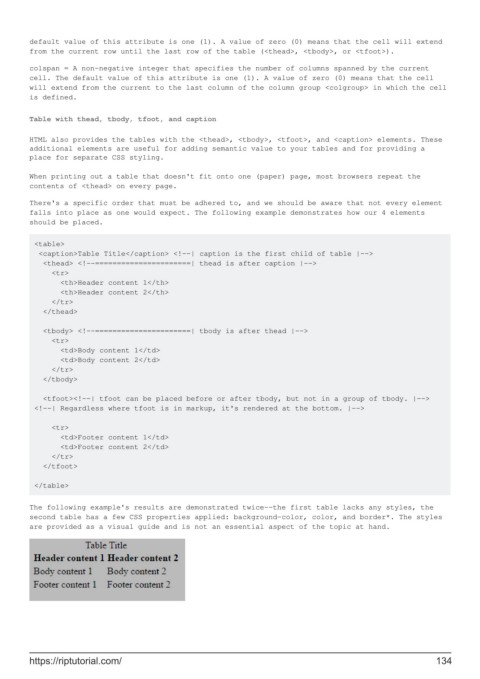
        The following example's results are demonstrated twice--the first table lacks any styles, the
        second table has a few CSS properties applied: background-color, color, and border*. The styles
        are provided as a visual guide and is not an essential aspect of the topic at hand.


        https://riptutorial.com/                                                                             134

