


Page 146 - HTML5
P. 146
.attention {
             fill: red;
             width: 50px;
             height: 50px;
         }


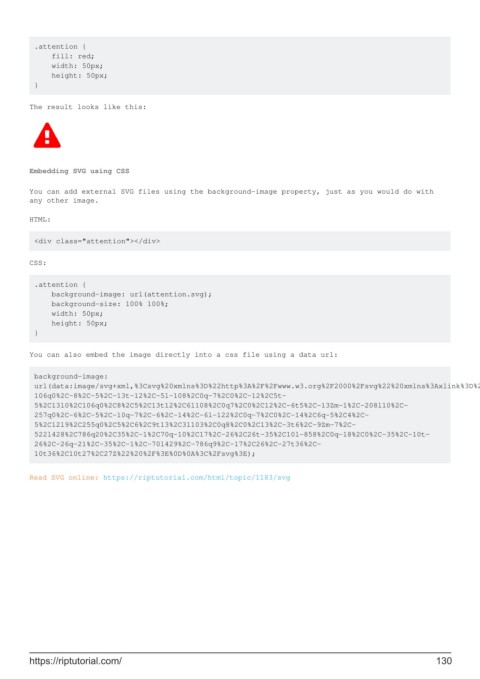
        The result looks like this:


        Embedding SVG using CSS

        You can add external SVG files using the background-image property, just as you would do with
        any other image.

        HTML:


         <div class="attention"></div>

        CSS:


         .attention {
             background-image: url(attention.svg);
             background-size: 100% 100%;
             width: 50px;
             height: 50px;
         }

        You can also embed the image directly into a css file using a data url:


         background-image:
         url(data:image/svg+xml,%3Csvg%20xmlns%3D%22http%3A%2F%2Fwww.w3.org%2F2000%2Fsvg%22%20xmlns%3Axlink%3D%22http%3A%2F%2Fwww.w3.org%2F1999%2Fxlink%22%20viewBox%3D%220%200%201000%201000%22%20%3E%0D%0A%3Cpath%20id%3D%22attention%22%20d%3D%22m571%2C767l0%2C-
         106q0%2C-8%2C-5%2C-13t-12%2C-5l-108%2C0q-7%2C0%2C-12%2C5t-
         5%2C13l0%2C106q0%2C8%2C5%2C13t12%2C6l108%2C0q7%2C0%2C12%2C-6t5%2C-13Zm-1%2C-208l10%2C-
         257q0%2C-6%2C-5%2C-10q-7%2C-6%2C-14%2C-6l-122%2C0q-7%2C0%2C-14%2C6q-5%2C4%2C-
         5%2C12l9%2C255q0%2C5%2C6%2C9t13%2C3l103%2C0q8%2C0%2C13%2C-3t6%2C-9Zm-7%2C-
         522l428%2C786q20%2C35%2C-1%2C70q-10%2C17%2C-26%2C26t-35%2C10l-858%2C0q-18%2C0%2C-35%2C-10t-
         26%2C-26q-21%2C-35%2C-1%2C-70l429%2C-786q9%2C-17%2C26%2C-27t36%2C-
         10t36%2C10t27%2C27Z%22%20%2F%3E%0D%0A%3C%2Fsvg%3E);


        Read SVG online: https://riptutorial.com/html/topic/1183/svg


        https://riptutorial.com/                                                                             130

