


Page 143 - HTML5
P. 143
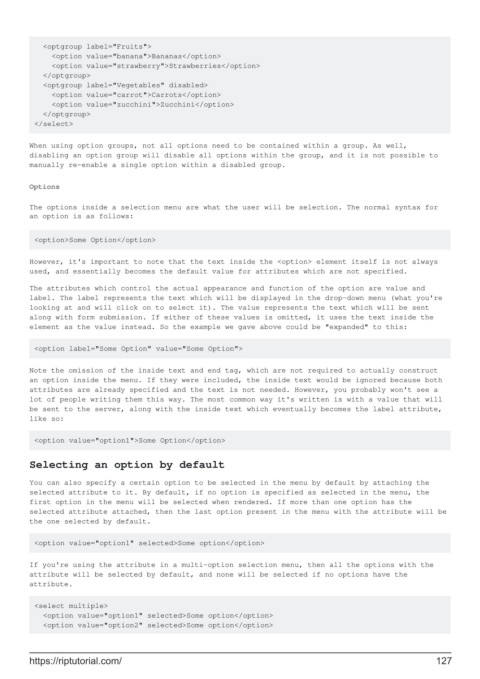
<optgroup label="Fruits">
             <option value="banana">Bananas</option>
             <option value="strawberry">Strawberries</option>
           </optgroup>
           <optgroup label="Vegetables" disabled>
             <option value="carrot">Carrots</option>
             <option value="zucchini">Zucchini</option>
           </optgroup>
         </select>


        When using option groups, not all options need to be contained within a group. As well,
        disabling an option group will disable all options within the group, and it is not possible to
        manually re-enable a single option within a disabled group.

        Options


        The options inside a selection menu are what the user will be selection. The normal syntax for
        an option is as follows:


         <option>Some Option</option>

        However, it's important to note that the text inside the <option> element itself is not always
        used, and essentially becomes the default value for attributes which are not specified.
        The attributes which control the actual appearance and function of the option are value and
        label. The label represents the text which will be displayed in the drop-down menu (what you're
        looking at and will click on to select it). The value represents the text which will be sent
        along with form submission. If either of these values is omitted, it uses the text inside the
        element as the value instead. So the example we gave above could be "expanded" to this:


         <option label="Some Option" value="Some Option">

        Note the omission of the inside text and end tag, which are not required to actually construct
        an option inside the menu. If they were included, the inside text would be ignored because both
        attributes are already specified and the text is not needed. However, you probably won't see a
        lot of people writing them this way. The most common way it's written is with a value that will
        be sent to the server, along with the inside text which eventually becomes the label attribute,
        like so:


         <option value="option1">Some Option</option>

        Selecting an option by default

        You can also specify a certain option to be selected in the menu by default by attaching the
        selected attribute to it. By default, if no option is specified as selected in the menu, the
        first option in the menu will be selected when rendered. If more than one option has the
        selected attribute attached, then the last option present in the menu with the attribute will be
        the one selected by default.


         <option value="option1" selected>Some option</option>

        If you're using the attribute in a multi-option selection menu, then all the options with the
        attribute will be selected by default, and none will be selected if no options have the
        attribute.

         <select multiple>
           <option value="option1" selected>Some option</option>
           <option value="option2" selected>Some option</option>


        https://riptutorial.com/                                                                             127

