


Page 155 - HTML5
P. 155
emphasis that should be stressed, while <i> simply represents text which should be set off from
        the normal text around it.

        For example, if you wanted to stress the action inside a sentence, one might do so by
        emphasizing it in italics via <em>: "Would you just submit the edit already?"
        But if you were identifying a book or newspaper that you would normally italicize stylistically,
        you would simply use <i>: "I was forced to read Romeo and Juliet in high school.


        Underlined Text
        While the <u> element itself was deprecated in HTMl 4, it was reintroduced with alternate
        semantic meaning in HTML 5 - to represent an unarticulated, non-textual annotation. You might
        use such a rendering to indicate misspelled text on the page, or for a Chinese proper name mark.

         <p>This paragraph contains some <u>mispelled</u> text.</p>


        Highlighting

        The <mark> element is new in HTML5 and is used to mark or highlight text in a document "due to
        its relevance in another context".   1
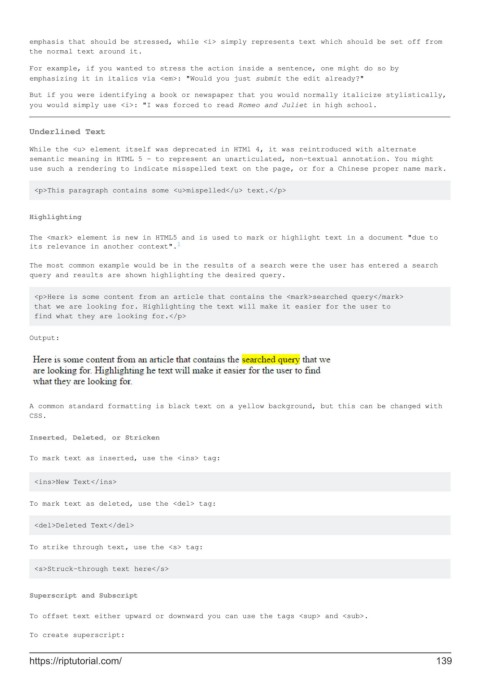
        The most common example would be in the results of a search were the user has entered a search
        query and results are shown highlighting the desired query.

         <p>Here is some content from an article that contains the <mark>searched query</mark>
         that we are looking for. Highlighting the text will make it easier for the user to
         find what they are looking for.</p>


        Output:


        A common standard formatting is black text on a yellow background, but this can be changed with
        CSS.

        Inserted, Deleted, or Stricken

        To mark text as inserted, use the <ins> tag:


         <ins>New Text</ins>


        To mark text as deleted, use the <del> tag:

         <del>Deleted Text</del>

        To strike through text, use the <s> tag:


         <s>Struck-through text here</s>


        Superscript and Subscript

        To offset text either upward or downward you can use the tags <sup> and <sub>.

        To create superscript:


        https://riptutorial.com/                                                                             139

