


Page 98 - HTML5
P. 98
message if the field doesn't pass.


         <input pattern="\d*" title="Numbers only, please.">


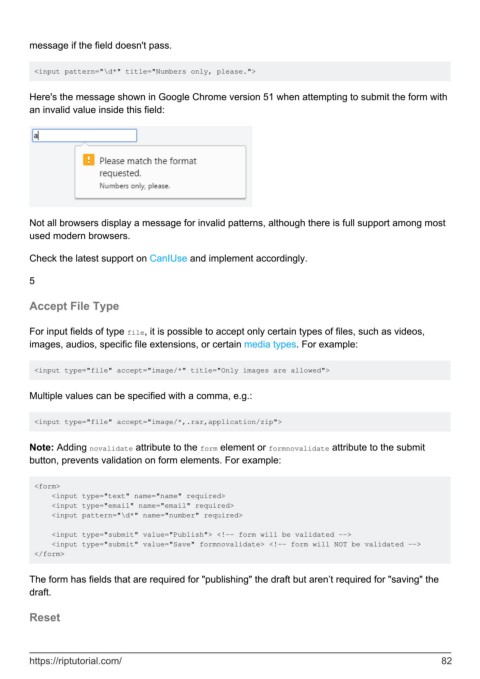
        Here's the message shown in Google Chrome version 51 when attempting to submit the form with
        an invalid value inside this field:


        Not all browsers display a message for invalid patterns, although there is full support among most
        used modern browsers.

        Check the latest support on CanIUse and implement accordingly.


        5


        Accept File Type


        For input fields of type file, it is possible to accept only certain types of files, such as videos,
        images, audios, specific file extensions, or certain media types. For example:


         <input type="file" accept="image/*" title="Only images are allowed">


        Multiple values can be specified with a comma, e.g.:


         <input type="file" accept="image/*,.rar,application/zip">


        Note: Adding novalidate attribute to the form element or formnovalidate attribute to the submit
        button, prevents validation on form elements. For example:


         <form>
             <input type="text" name="name" required>
             <input type="email" name="email" required>
             <input pattern="\d*" name="number" required>

             <input type="submit" value="Publish"> <!-- form will be validated -->
             <input type="submit" value="Save" formnovalidate> <!-- form will NOT be validated -->
         </form>


        The form has fields that are required for "publishing" the draft but aren’t required for "saving" the
        draft.


        Reset


        https://riptutorial.com/                                                                               82

