


Page 101 - HTML5
P. 101
Attribute        Description

                           Specifies the ID of the form the button belongs to.
          form
                           If none is specified, it will belong to its ancestor form element (if one exists).


                           Specifies where to send the form-data
          formaction
                           when the form is submitted using this button.

                           Specifies how the form-data should be encoded
          formenctype      when submitting it to the server using this button.
                           Can only be used with formmethod="post".


                           Specifies the HTTP method to use (POST or GET)
          formmethod
                           when sending form-data using this button.


          formnovalidate   Specifies that the form-data should not be validated on submission.

                           Specifies where to display the response that is received
          formtarget
                           after submitting the form using this button.


        Color


        5


         <input type="color" name="favcolor" value="#ff0000">


        In supporting browsers, the input element with a type attribute whose value is color creates a
        button-like control, with a color equal to the value of color attribute (defaults to black if value is not
        specified or is an invalid hexadecimal format).


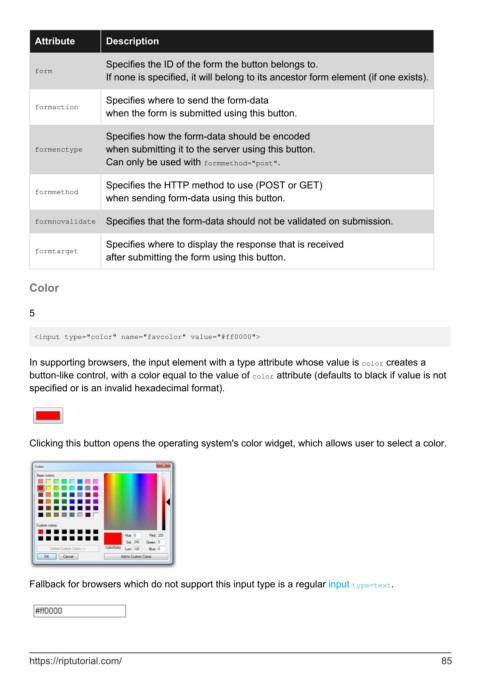
        Clicking this button opens the operating system's color widget, which allows user to select a color.


        Fallback for browsers which do not support this input type is a regular input type=text.


        https://riptutorial.com/                                                                               85

