


Page 58 - HTML5
P. 58
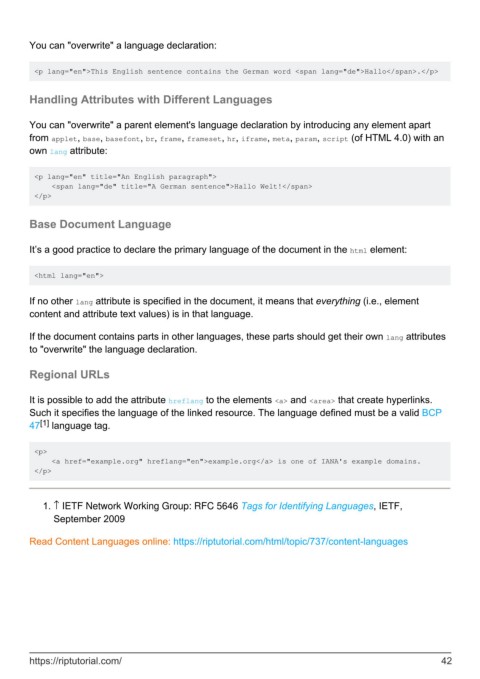
You can "overwrite" a language declaration:


         <p lang="en">This English sentence contains the German word <span lang="de">Hallo</span>.</p>


        Handling Attributes with Different Languages


        You can "overwrite" a parent element's language declaration by introducing any element apart
        from applet, base, basefont, br, frame, frameset, hr, iframe, meta, param, script (of HTML 4.0) with an
        own lang attribute:


         <p lang="en" title="An English paragraph">
             <span lang="de" title="A German sentence">Hallo Welt!</span>
         </p>


        Base Document Language


        It’s a good practice to declare the primary language of the document in the html element:


         <html lang="en">


        If no other lang attribute is specified in the document, it means that everything (i.e., element
        content and attribute text values) is in that language.


        If the document contains parts in other languages, these parts should get their own lang attributes
        to "overwrite" the language declaration.

        Regional URLs


        It is possible to add the attribute hreflang to the elements <a> and <area> that create hyperlinks.
        Such it specifies the language of the linked resource. The language defined must be a valid BCP
           [1]
        47  language tag.


         <p>
             <a href="example.org" hreflang="en">example.org</a> is one of IANA's example domains.
         </p>


            1.  ↑ IETF Network Working Group: RFC 5646 Tags for Identifying Languages, IETF,
              September 2009

        Read Content Languages online: https://riptutorial.com/html/topic/737/content-languages


        https://riptutorial.com/                                                                               42

