


Page 37 - HTML5
P. 37
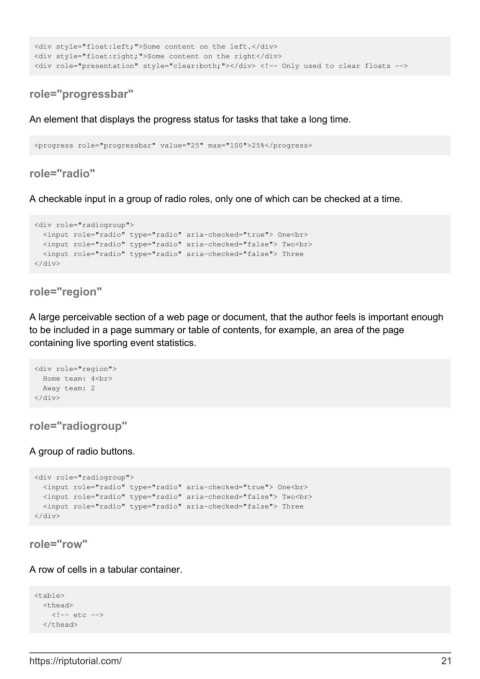
<div style="float:left;">Some content on the left.</div>
         <div style="float:right;">Some content on the right</div>
         <div role="presentation" style="clear:both;"></div> <!-- Only used to clear floats -->


        role="progressbar"


        An element that displays the progress status for tasks that take a long time.


         <progress role="progressbar" value="25" max="100">25%</progress>


        role="radio"


        A checkable input in a group of radio roles, only one of which can be checked at a time.


         <div role="radiogroup">
           <input role="radio" type="radio" aria-checked="true"> One<br>
           <input role="radio" type="radio" aria-checked="false"> Two<br>
           <input role="radio" type="radio" aria-checked="false"> Three
         </div>


        role="region"


        A large perceivable section of a web page or document, that the author feels is important enough
        to be included in a page summary or table of contents, for example, an area of the page
        containing live sporting event statistics.


         <div role="region">
           Home team: 4<br>
           Away team: 2
         </div>


        role="radiogroup"


        A group of radio buttons.


         <div role="radiogroup">
           <input role="radio" type="radio" aria-checked="true"> One<br>
           <input role="radio" type="radio" aria-checked="false"> Two<br>
           <input role="radio" type="radio" aria-checked="false"> Three
         </div>


        role="row"


        A row of cells in a tabular container.


         <table>
           <thead>
             <!-- etc -->
           </thead>


        https://riptutorial.com/                                                                               21

