


Page 33 - HTML5
P. 33
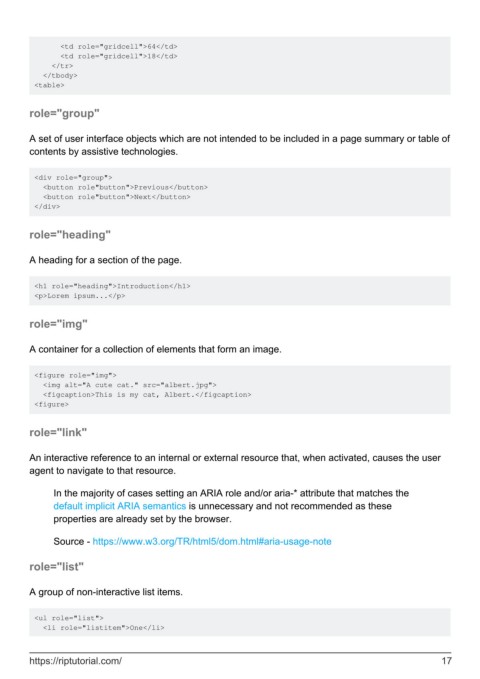
<td role="gridcell">64</td>
               <td role="gridcell">18</td>
             </tr>
           </tbody>
         <table>


        role="group"


        A set of user interface objects which are not intended to be included in a page summary or table of
        contents by assistive technologies.


         <div role="group">
           <button role"button">Previous</button>
           <button role"button">Next</button>
         </div>


        role="heading"


        A heading for a section of the page.


         <h1 role="heading">Introduction</h1>
         <p>Lorem ipsum...</p>


        role="img"


        A container for a collection of elements that form an image.


         <figure role="img">
           <img alt="A cute cat." src="albert.jpg">
           <figcaption>This is my cat, Albert.</figcaption>
         <figure>


        role="link"


        An interactive reference to an internal or external resource that, when activated, causes the user
        agent to navigate to that resource.


              In the majority of cases setting an ARIA role and/or aria-* attribute that matches the
              default implicit ARIA semantics is unnecessary and not recommended as these
              properties are already set by the browser.

              Source - https://www.w3.org/TR/html5/dom.html#aria-usage-note


        role="list"


        A group of non-interactive list items.


         <ul role="list">
           <li role="listitem">One</li>


        https://riptutorial.com/                                                                               17

