


Page 78 - HTML5
P. 78
This policy also applies to manipulating content that lives inside of an iFrame. If the iFrame is
        accessing content from a different domain, you will not be able to access or manipulate the
        content inside of an iFrame.


        The iframe element on W3C


        sandbox attribute


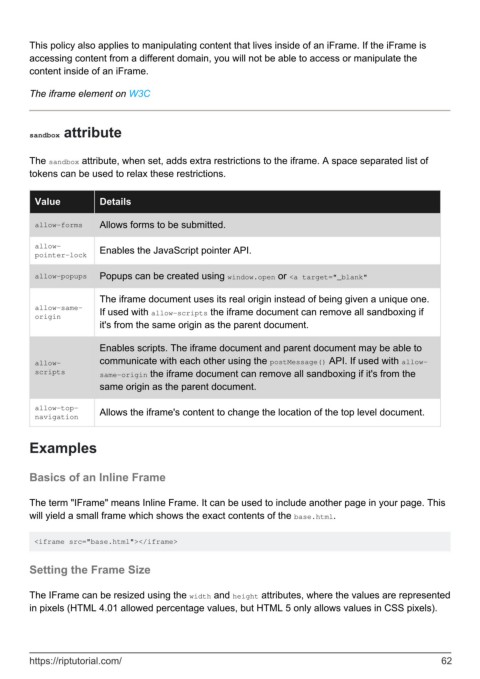
        The sandbox attribute, when set, adds extra restrictions to the iframe. A space separated list of
        tokens can be used to relax these restrictions.


          Value           Details

          allow-forms     Allows forms to be submitted.


          allow-
          pointer-lock    Enables the JavaScript pointer API.

          allow-popups    Popups can be created using window.open or <a target="_blank"


                          The iframe document uses its real origin instead of being given a unique one.
          allow-same-     If used with allow-scripts the iframe document can remove all sandboxing if
          origin
                          it's from the same origin as the parent document.

                          Enables scripts. The iframe document and parent document may be able to

          allow-          communicate with each other using the postMessage() API. If used with allow-
          scripts         same-origin the iframe document can remove all sandboxing if it's from the
                          same origin as the parent document.


          allow-top-
          navigation      Allows the iframe's content to change the location of the top level document.


        Examples


        Basics of an Inline Frame


        The term "IFrame" means Inline Frame. It can be used to include another page in your page. This
        will yield a small frame which shows the exact contents of the base.html.


         <iframe src="base.html"></iframe>


        Setting the Frame Size


        The IFrame can be resized using the width and height attributes, where the values are represented
        in pixels (HTML 4.01 allowed percentage values, but HTML 5 only allows values in CSS pixels).


        https://riptutorial.com/                                                                               62

