


Page 126 - HTML5
P. 126
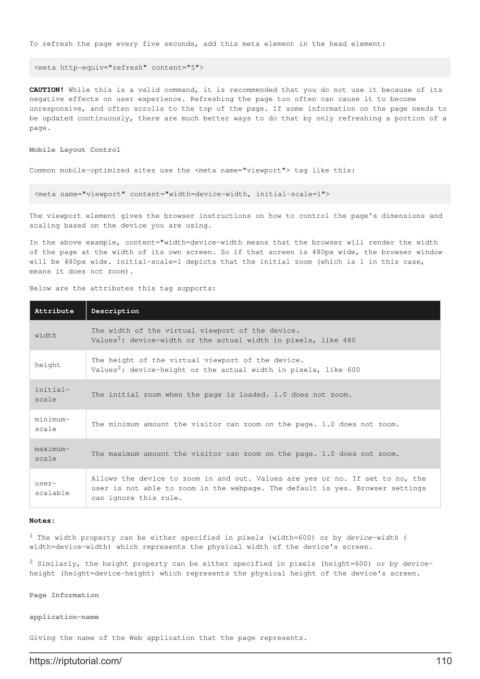
To refresh the page every five seconds, add this meta element in the head element:


         <meta http-equiv="refresh" content="5">

        CAUTION! While this is a valid command, it is recommended that you do not use it because of its
        negative effects on user experience. Refreshing the page too often can cause it to become
        unresponsive, and often scrolls to the top of the page. If some information on the page needs to
        be updated continuously, there are much better ways to do that by only refreshing a portion of a
        page.


        Mobile Layout Control

        Common mobile-optimized sites use the <meta name="viewport"> tag like this:


         <meta name="viewport" content="width=device-width, initial-scale=1">

        The viewport element gives the browser instructions on how to control the page's dimensions and
        scaling based on the device you are using.

        In the above example, content="width=device-width means that the browser will render the width
        of the page at the width of its own screen. So if that screen is 480px wide, the browser window
        will be 480px wide. initial-scale=1 depicts that the initial zoom (which is 1 in this case,
        means it does not zoom).
        Below are the attributes this tag supports:


          Attribute     Description

                        The width of the virtual viewport of the device.
          width               1
                        Values : device-width or the actual width in pixels, like 480
                        The height of the virtual viewport of the device.
          height              2
                        Values : device-height or the actual width in pixels, like 600

          initial-
                        The initial zoom when the page is loaded. 1.0 does not zoom.
          scale
          minimum-
                        The minimum amount the visitor can zoom on the page. 1.0 does not zoom.
          scale

          maximum-
                        The maximum amount the visitor can zoom on the page. 1.0 does not zoom.
          scale

                        Allows the device to zoom in and out. Values are yes or no. If set to no, the
          user-
                        user is not able to zoom in the webpage. The default is yes. Browser settings
          scalable
                        can ignore this rule.
        Notes:
        1  The width property can be either specified in pixels (width=600) or by device-width (
        width=device-width) which represents the physical width of the device's screen.

        2  Similarly, the height property can be either specified in pixels (height=600) or by device-
        height (height=device-height) which represents the physical height of the device's screen.


        Page Information

        application-name

        Giving the name of the Web application that the page represents.


        https://riptutorial.com/                                                                             110

